
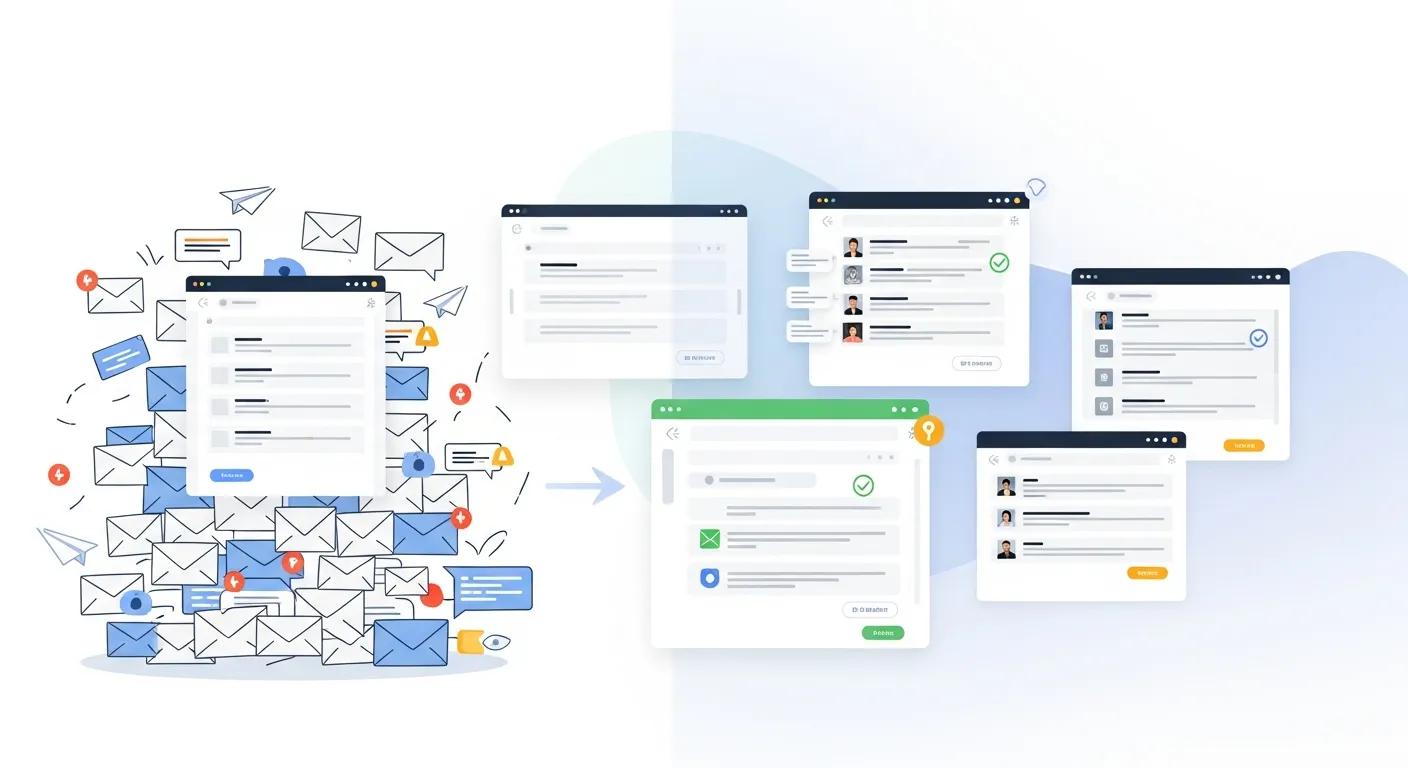
Enhance Digital Safety: Separate Work and Personal Emails
Separating personal and work emails means using distinct accounts, credentials, and access controls for private correspondence and professional communications, which immediately reduces cross-account risks and clarifies ownership. This article explains the security, privacy, legal, productivity, and policy reasons to keep accounts distinct, and it provides step-by-step guidance for setting up and managing multiple inboxes safely. Many people mix accounts out of convenience, but that practice increases exposure to phishing, accidental data leaks, and complications during legal discovery; separating accounts is a practical solution that improves email security, preserves personal privacy, supports compliance, and helps restore work-life balance. Below we cover the main risks of mixing email types, concrete security benefits of separation, ways separation aids mental well-being, regulation-specific implications (GDPR, HIPAA, CCPA), practical tools and configuration steps for multi-account management, and employer policy considerations including training. Throughout, the guide uses current research perspectives and technical controls—like MFA, SPF/DKIM/DMARC, and MDM—to help you implement defensible and user-friendly email habits.
What Are the Main Risks of Mixing Personal and Work Emails?
Mixing personal and work emails increases the attack surface for cyber threats and complicates privacy and compliance obligations because a single compromised account can expose both personal identifiers and corporate data. When employees use one inbox for everything, credential reuse, device compromise, and malicious attachments can propagate from personal contacts into corporate systems, magnifying the blast radius of phishing and malware. Beyond security, mixed accounts blur data ownership: employers typically control corporate mailboxes and may access messages during audits or litigation, which risks accidental disclosure of private information. Recognizing these risks motivates deliberate separation, which strengthens technical controls and reduces the chance that a single mistake affects both spheres.
How Does Mixing Emails Increase Security Threats Like Phishing and Malware?
Mixing email types makes phishing and malware more effective because attackers exploit trusted senders, contact overlap, and reused credentials to achieve lateral movement across personal and corporate resources. Credential reuse between accounts allows an attacker who harvests a password from a personal service to access a corporate mailbox, while malware delivered via a personal attachment on a shared device can steal tokens or session cookies for work accounts. Phishing campaigns also use cross-account intelligence—contacts, subjects, and calendar items—to craft targeted spear-phishing that appears legitimate in both contexts. Strong segmentation and unique credentials for each account reduce these vectors because compromises become isolated to the affected account rather than cascading across personal and work domains.
Phishing Emails: A Significant Threat to Sensitive Data and Financial Security
Phishing attacks represent a prevalent form of cyber-attack that employ socially engineered messages. These messages are disseminated to individuals by sophisticated attackers aiming to deceive users into revealing their sensitive data. The most common communication channel for these messages is through users' email. Phishing has become a substantial threat to internet users and a primary cause of financial losses. Consequently, various solutions have been developed to address this issue. Deceptive emails, also known as phishing emails, utilize a range A novel hybrid approach of SVM combined with NLP and probabilistic neural network for email phishing, A Kumar, 2020
What Are the Privacy and Data Ownership Concerns When Emails Are Combined?
Combining personal and work emails creates ambiguity about who owns messages, which complicates subject access requests, audits, and legal holds because personal content may be inadvertently captured in corporate archives. Employers typically have policy-based rights to monitor corporate email and retain messages for compliance; when personal notes or private conversations exist in work mailboxes, employees risk losing privacy and facing disclosure during investigations. This overlap also increases the administrative burden for IT and legal teams who must distinguish personal content from corporate records during eDiscovery. Keeping personal content out of work accounts simplifies retention, preserves privacy, and reduces accidental exposure during audits or litigation.
How Does Separating Emails Improve Email Security and Data Protection?
Separating emails enables targeted security policies and reduces the likelihood that incidents spread from personal to corporate environments by containing threats and allowing IT teams to apply stricter controls on work accounts. When work accounts are isolated, organizations can enforce multi-factor authentication (MFA), device management, enforced password policies, and outbound filtering without affecting personal mail. Separation also produces clearer audit trails that speed incident response and forensic analysis, because logs and metadata remain associated with defined account types. These technical and procedural benefits collectively lower the risk of data breaches and make regulatory compliance more straightforward for organizations and individuals.
What Are the Best Email Security Practices for Separate Accounts?
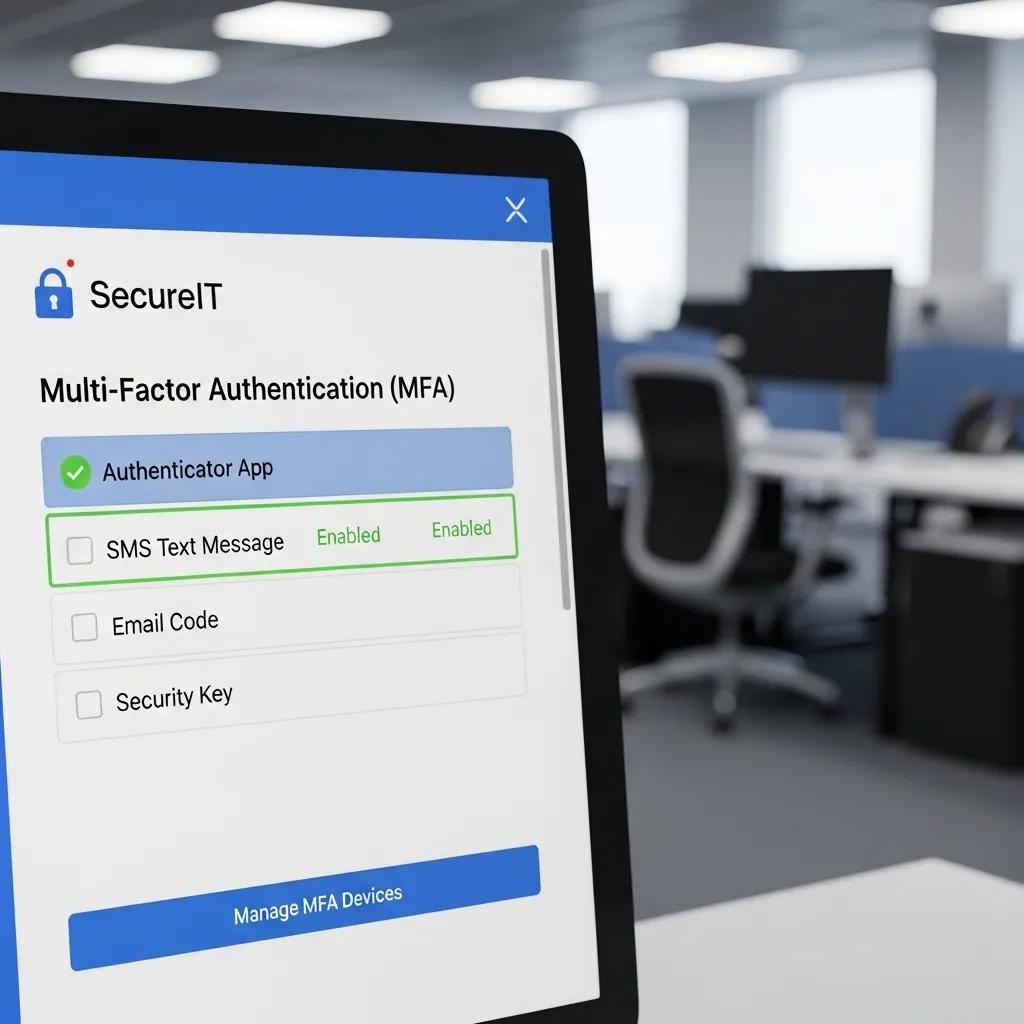
Best practices for separate accounts include enabling MFA everywhere, using unique long passwords via a password manager, avoiding automatic forwarding between work and personal mailboxes, and applying device-level protections like mobile device management (MDM) for corporate devices. For work accounts, enforce SPF/DKIM/DMARC to reduce spoofing, enable encryption for sensitive attachments, and apply data loss prevention (DLP) scanning where appropriate. Personal accounts should still use strong authentication and periodic review of connected apps to limit third-party access. These measures create a layered defense that preserves the integrity of each account and prevents cross-contamination when incidents occur.
Before the comparison table below, note this table contrasts common security attributes across personal and work account types to illustrate how enforced controls differ when separation is implemented.
| Account Type | Security Attribute | Typical Status / Benefit |
|---|---|---|
| Personal email account | MFA enabled | Often optional; reduces account takeover when enabled |
| Work/corporate email account | Enforced DMARC/SPF/DKIM | Helps prevent external spoofing and phishing impact |
| Personal email account | Managed by IT | Usually unmanaged; lower centralized control |
| Work/corporate email account | Audit logging & archiving | Enables forensic analysis and regulatory retention |
| Personal email account | Encryption at rest | Common with major providers; may vary by provider |
| Work/corporate email account | Device management (MDM) | Enforced on corporate devices to protect credentials |
This comparison shows that separation allows organizations to apply robust, enforceable controls to work mail while personal accounts remain user-managed, thereby limiting systemic exposure and simplifying incident response.
How Does Separation Help Prevent Data Breaches and Cyberattacks?
Separation reduces breach impact by limiting lateral movement and simplifying containment: when a personal account is compromised, attackers cannot automatically reach systems protected by corporate authentication and device controls. Isolated work accounts with enforced MFA, DLP, and access controls reduce the attack surface and make credential-based pivoting harder. In incident response, distinct audit logs for work mail improve traceability so responders can identify affected assets and scope remediation faster. Practically, organizations that require corporate accounts for business functions and prohibit forwarding to personal mail reduce the risk that sensitive data leaves controlled environments, aiding both breach containment and regulatory reporting.
How Can Separating Personal and Work Emails Enhance Work-Life Balance?
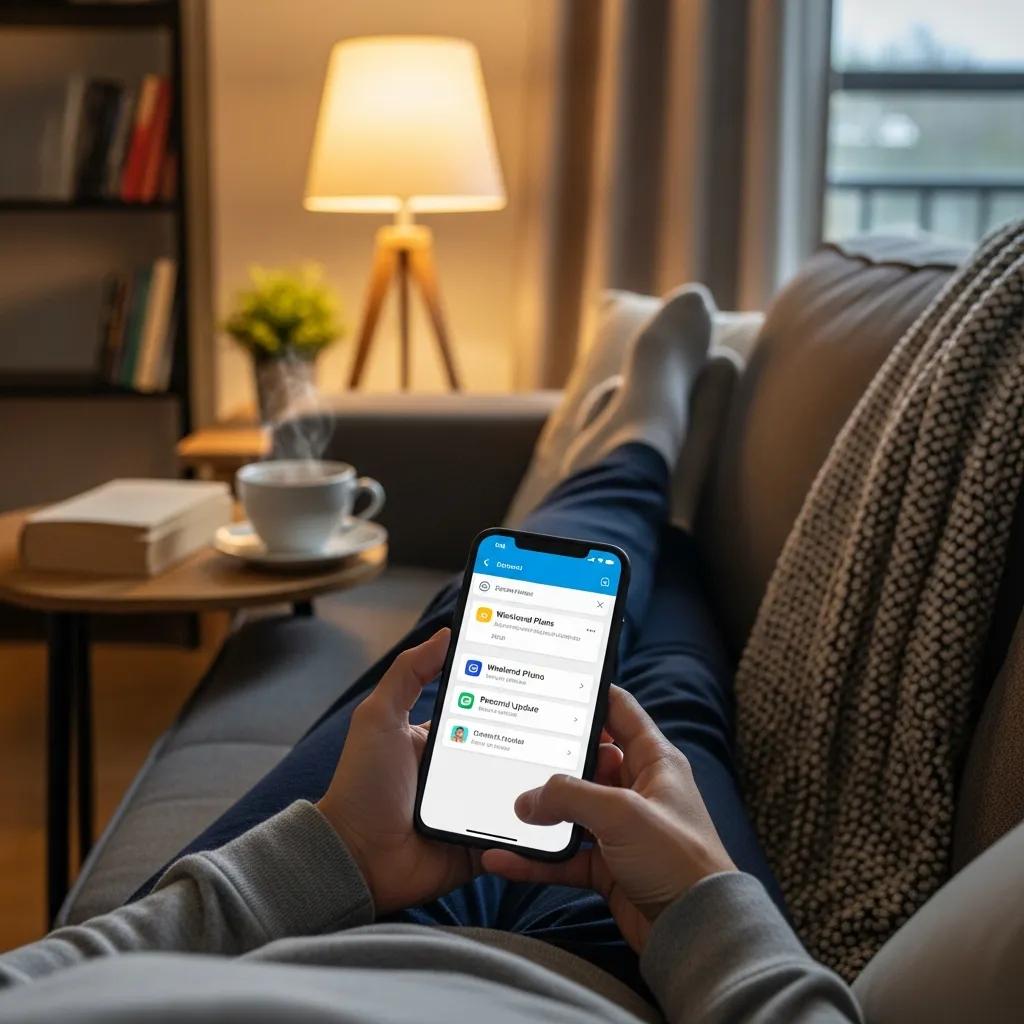
Separating email channels supports psychological boundaries by allowing individuals to control notifications, schedule focused work time, and disengage from work during personal hours, which reduces interruptions and burnout. When each account has its own notification rules, users can mute work messages outside set hours while still receiving urgent personal communications, thereby decreasing cognitive load and improving present-moment focus. Clear separation also encourages scheduled checking habits, reducing context switching that undermines productivity and increases stress. Over time, these behavioral changes contribute to better role demarcation and improved overall well-being.
What Digital Boundaries Can You Set to Prevent Burnout?
Establish digital boundaries such as turning off push notifications for work email outside work hours, using auto-replies for out-of-office periods, and scheduling limited time blocks for email triage so you process messages in batches rather than continuously. Configure clients to show distinct badges or colors for personal versus work accounts, and use calendar settings to prevent work calendars from dominating personal time. Implementing these routines and client features reduces after-hours reactivity and fosters predictable work rhythms, which helps prevent the chronic stress associated with perpetual connectivity.
What Are the Psychological Benefits of Keeping Emails Separate?
Keeping emails separate lowers cognitive load by reducing the number of contexts the brain must maintain, which improves concentration during both work and personal tasks. Separation supports psychological detachment from work during off-hours, a factor strongly linked in recent wellbeing research to lower burnout rates and higher job satisfaction. Practically, users report clearer role boundaries, improved sleep quality when work notifications are silenced, and greater control over personal time. These measurable benefits make email separation a simple behavioral intervention with meaningful mental-health returns.
What Are the Legal and Compliance Implications of Using Separate Emails?
Using separate emails affects how organizations meet obligations like data subject access requests, breach notification, encryption, and retention because clearly delineated account types make it easier to apply regulation-specific rules and to produce defensible records. Work accounts typically fall under corporate retention policies and may be subject to legal holds, while personal accounts generally remain outside company-controlled archives. Separation reduces the legal exposure that arises when personal content is stored in corporate systems and simplifies compliance workflows for regulators such as GDPR, HIPAA, and CCPA by limiting the scope of data that must be searched or preserved. Temporary email
How Do GDPR, HIPAA, and Other Regulations Affect Email Usage?
GDPR requires demonstrable lawful bases for processing personal data and grants data subjects rights such as access and deletion, which means emails containing personal data in corporate systems must be managed accordingly. HIPAA demands safeguards, access controls, and breach notification for protected health information (PHI), so work accounts handling PHI must enforce encryption and auditability. Other national and sector-specific rules mandate retention, breach reporting, or consent management that apply differently depending on whether content sits in personal or corporate mailboxes. Implementing separation helps organizations apply the correct technical and organizational measures for each regulatory context.
Before the regulation mapping table below, this paragraph explains the table’s purpose: it maps major regulations to concrete email-related obligations so readers can see how separation influences compliance responsibilities.
| Regulation | Requirement / Impact | Practical Email Action |
|---|---|---|
| GDPR | Data subject access, lawful basis, breach notification | Limit personal data in work mail; document processing activities |
| HIPAA | PHI protection, encryption, breach reporting | Use encrypted corporate mail, audit logs, and access controls |
| CCPA / State privacy laws | Consumer data rights and deletion requests | Avoid storing consumer personal data in unmanaged personal mail |
| eDiscovery rules | Preservation and discoverability for litigation | Keep work mail in archived systems with legal hold capability |
This mapping clarifies that separation narrows the scope of regulated data in corporate systems and reduces the cost and complexity of compliance tasks by keeping personal content outside company-controlled archives.
What Are Data Retention and Legal Discovery Requirements for Work Emails?
Work emails are often subject to retention policies and eDiscovery procedures that require consistent archiving, indexing, and the ability to apply legal holds; mixing personal messages into these systems creates review burdens and privacy risks. Defensible retention requires documented policies that specify retention periods, archiving methods, and procedures for legal holds; isolated work accounts simplify these processes by making custodianship clear. Practically, organizations should implement automated archiving for corporate mail, train employees not to use work accounts for personal matters, and ensure IT and legal teams coordinate on hold procedures to preserve only relevant corporate records.
How Can You Effectively Manage Multiple Email Accounts?
Effectively managing multiple email accounts relies on clear labeling, separate profiles or clients, intentional notification rules, and automated filters to route messages appropriately so users maintain convenience without sacrificing security. Options include using distinct email clients or profiles for each account, employing unified inbox tools with strict visual separation, and setting filters, labels, and rules to triage messages. Regular maintenance—such as reviewing connected apps, auditing forwarding rules, and archiving old mail—keeps accounts streamlined. These practices help users balance accessibility with safety and ensure that personal and work channels serve their intended purposes.
What Tools and Techniques Help Organize Separate Email Inboxes?
A mix of tools—multi-account clients, browser profiles, mobile work profiles managed via MDM, and unified-inbox solutions with clear labels—can streamline workflows while preserving separation. Filters and rules automate sorting, labels provide visual cues, and dedicated profiles prevent accidental cross-posting. Password managers, MFA, and periodic permission audits reduce security drift across accounts. The table below compares common approaches and their benefits so readers can choose the right combination for their context.
| Approach | Tool / Technique | Benefit |
|---|---|---|
| Separate clients or profiles | Email app per account or browser profile | Strong isolation; fewer accidental mix-ups |
| Unified inbox with labels | Multi-account client with clear labels | Convenience with visual separation when configured carefully |
| Mobile work profile (MDM) | Device management creating separate work space | Enforces security controls and app restrictions |
| Filters & automation | Rules, labels, and priority inbox | Saves time and reduces inbox clutter |
This comparison demonstrates that different techniques trade off convenience and security; selecting the right mix depends on individual and organizational needs, but all benefit from consistent labeling and automation to maintain separation.
How Do You Set Up and Maintain Separate Personal and Work Email Accounts?
Set up separate accounts by creating unique credentials for each, enabling MFA, and avoiding automatic forwarding from work to personal accounts; then migrate contacts using import/export tools rather than forwarding to keep histories isolated. Configure clients with clear account names and distinct notification settings, and schedule periodic maintenance tasks—review connected apps, revoke unused permissions, archive obsolete messages, and rotate credentials where possible. Regularly audit settings and educate yourself on phishing trends to keep hygiene high. These steps preserve security boundaries, support compliance, and make long-term email management sustainable.
What Should Employers Know About Creating Effective Email Usage Policies?
Employers should craft email usage policies that clearly define ownership, acceptable use, monitoring practices, and retention rules while balancing technical enforcement with transparency and employee privacy protections. Policies should specify whether personal use of corporate accounts is permitted, outline monitoring and archiving practices, require use of corporate accounts for business communications, and define processes for legal holds and incident reporting. Technical enforcement—like DLP, MDM, and enforced MFA—should complement policy language, and organizations should provide training that helps employees implement separation. Well-designed policies reduce legal risk and support both security and employee trust.
How Can Employers Protect Company Data While Respecting Employee Privacy?
Employers can protect data by using technical controls such as role-based access, enterprise DLP, and device management while maintaining transparency about monitoring practices and limiting access to necessary personnel. Implementing least-privilege principles and auditing access minimizes unnecessary exposure, and relying on integrated enterprise tools for archiving and eDiscovery reduces the need for invasive manual mailbox inspections. Clear policy language, notification of monitoring, and processes for handling personal data help preserve employee privacy while ensuring corporate data protection, striking a practical balance between security and civil liberties.
What Are Best Practices for Employee Training on Email Separation?
Employee training should be regular, role-based, and include practical exercises such as phishing simulations, configuration walkthroughs for setting up separate accounts, and clear checklists for handling sensitive data. Training cadence might include onboarding modules, annual refreshers, and targeted sessions following incidents or regulatory updates. Track metrics like phishing click rates, reporting rates, and policy compliance to measure effectiveness and iterate content. By combining technical controls with human-centered education, organizations increase adherence to separation practices and reduce the likelihood of risky behaviors that lead to breaches.
- Phishing Awareness Training: Teach employees to identify and report suspicious emails.
- Account Setup Walkthroughs: Provide step-by-step configurations for separate personal and work accounts.
- Maintenance Checklists: Schedule periodic reviews of permissions, forwarding rules, and archived data.
Frequently Asked Questions
What are the benefits of using a password manager for separate email accounts?
Using a password manager for separate email accounts enhances security by generating and storing unique, complex passwords for each account. This practice mitigates the risk of credential reuse, which is a common vulnerability in email security. Password managers also facilitate easy access to accounts without the need to remember multiple passwords, reducing the likelihood of password fatigue. Additionally, many password managers offer features like security audits and alerts for compromised accounts, further strengthening your email security posture.
How can I effectively communicate my email separation strategy to my team?
To effectively communicate your email separation strategy to your team, consider hosting a dedicated training session that outlines the importance of separating personal and work emails. Use clear visuals and real-life examples to illustrate the risks of mixing accounts. Provide written guidelines and FAQs that employees can refer to later. Encourage open discussions and feedback to address any concerns. Regular reminders and updates can also reinforce the strategy and ensure that everyone remains aligned with the best practices for email management.
What tools can help automate the management of multiple email accounts?
Several tools can help automate the management of multiple email accounts, including email clients like Microsoft Outlook and Mozilla Thunderbird, which allow users to manage multiple accounts from a single interface. Additionally, automation tools like Zapier can help set up workflows that automatically sort and label incoming emails based on predefined criteria. Email filtering features within most email services can also help prioritize messages, ensuring that important communications are easily accessible while reducing clutter in your inbox.
How can I ensure compliance with regulations when managing separate email accounts?
To ensure compliance with regulations when managing separate email accounts, it is crucial to understand the specific requirements of regulations like GDPR, HIPAA, and CCPA. Implement policies that clearly define how personal and work emails are handled, stored, and accessed. Regular audits and training sessions can help maintain compliance by keeping employees informed about their responsibilities. Additionally, using tools that support data encryption and secure access controls can further safeguard sensitive information and demonstrate compliance during audits.
What are some common mistakes to avoid when separating email accounts?
Common mistakes to avoid when separating email accounts include using the same passwords across different accounts, neglecting to enable multi-factor authentication (MFA), and failing to regularly review account settings and permissions. Additionally, automatically forwarding emails between personal and work accounts can create security vulnerabilities. It's also important to avoid mixing personal communications in work accounts, as this can lead to privacy issues and complicate compliance with legal obligations. Regular training and reminders can help mitigate these risks.
How can I maintain work-life balance through email separation?
Maintaining work-life balance through email separation involves setting clear boundaries for when and how you check emails. By keeping personal and work emails distinct, you can control notifications and designate specific times for checking work emails, reducing after-hours interruptions. Use features like "Do Not Disturb" or "Quiet Hours" to mute work notifications during personal time. This separation allows for better focus on personal activities and helps prevent burnout by ensuring that work does not encroach on personal life.
Conclusion
Separating personal and work emails significantly enhances security, privacy, and productivity by reducing risks associated with mixed accounts. This practice not only protects sensitive information but also fosters a healthier work-life balance, allowing individuals to manage their time and focus more effectively. By implementing clear boundaries and utilizing best practices, users can enjoy the benefits of both personal and professional communications without compromise. Start your journey towards better email management today by exploring our resources and tools designed for effective separation.


